• Home
  • /
  • Products
  • /
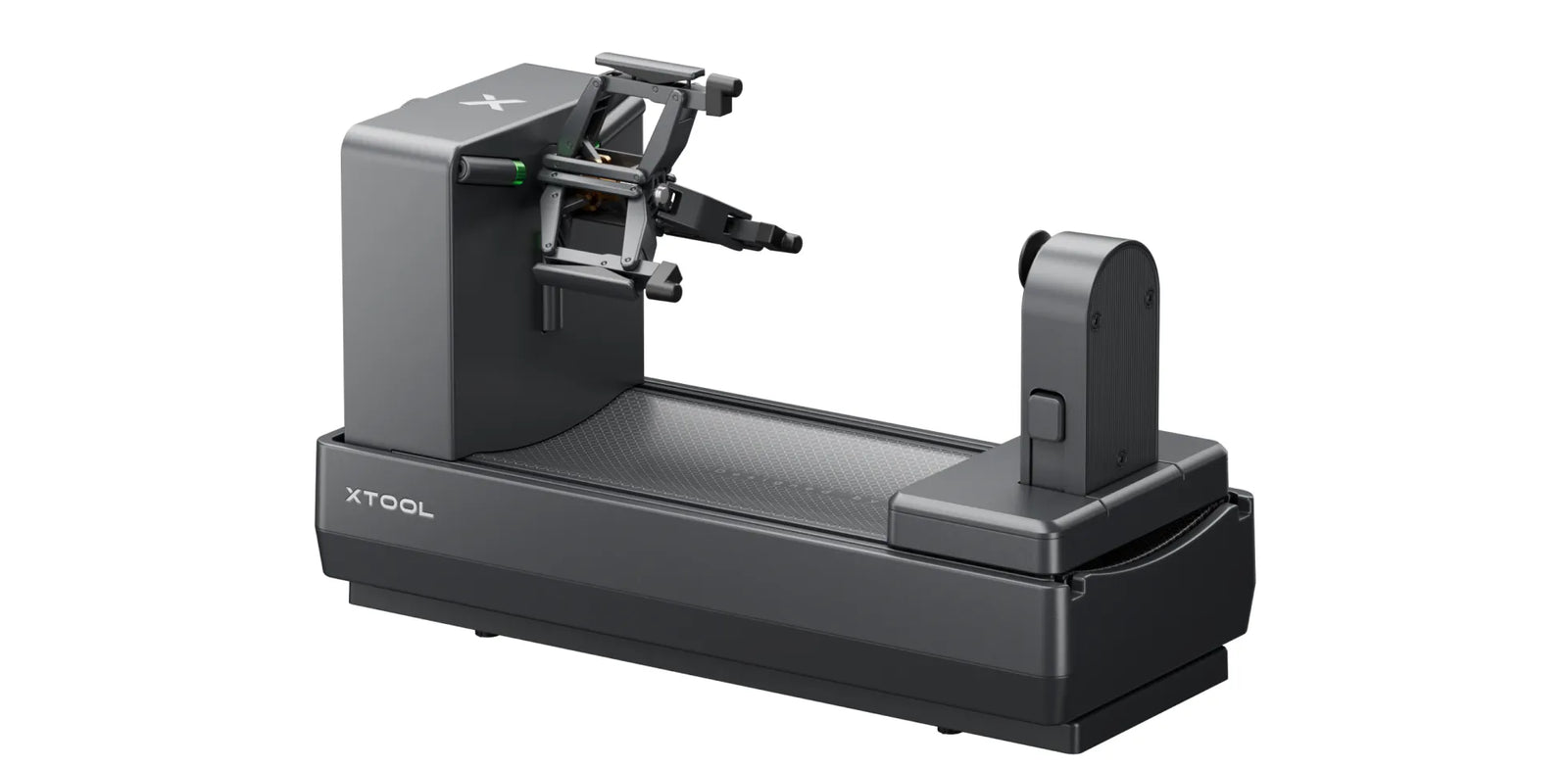
  • xTool OR1 Rotary Attachment for O1 Omni Printer

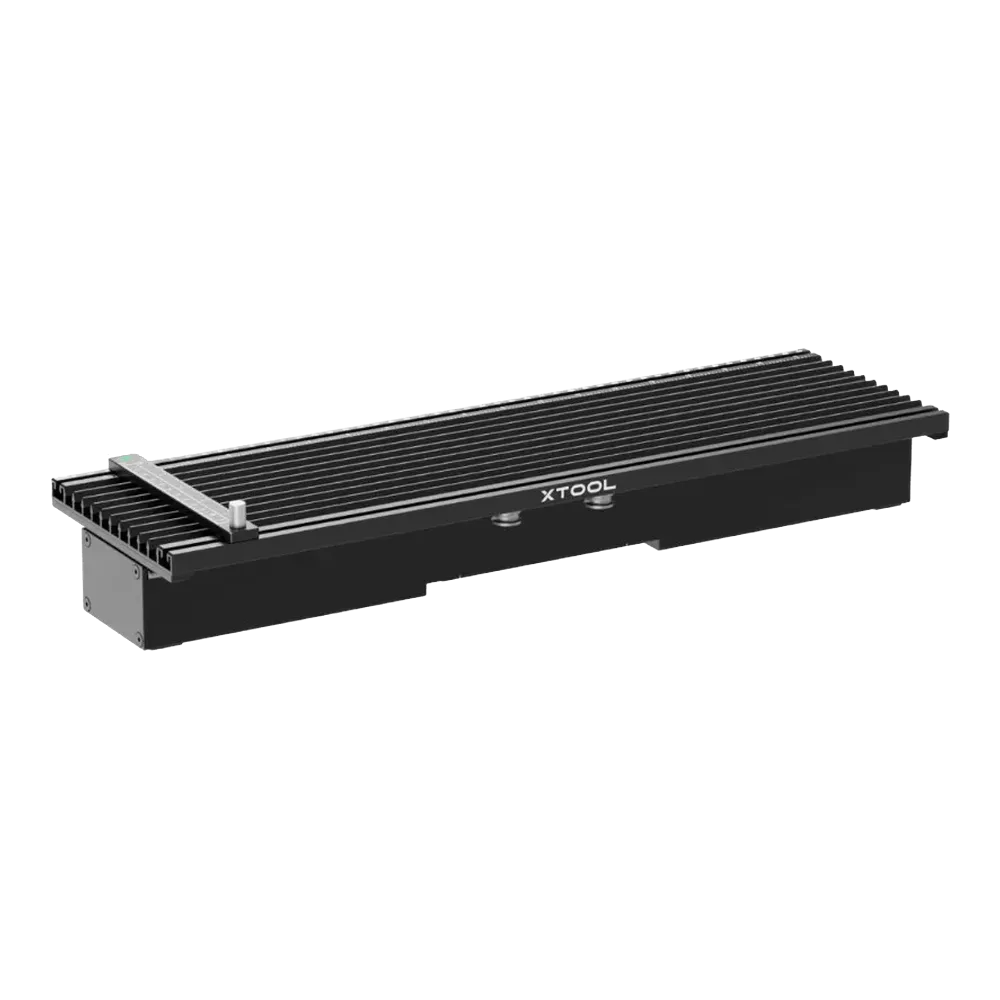
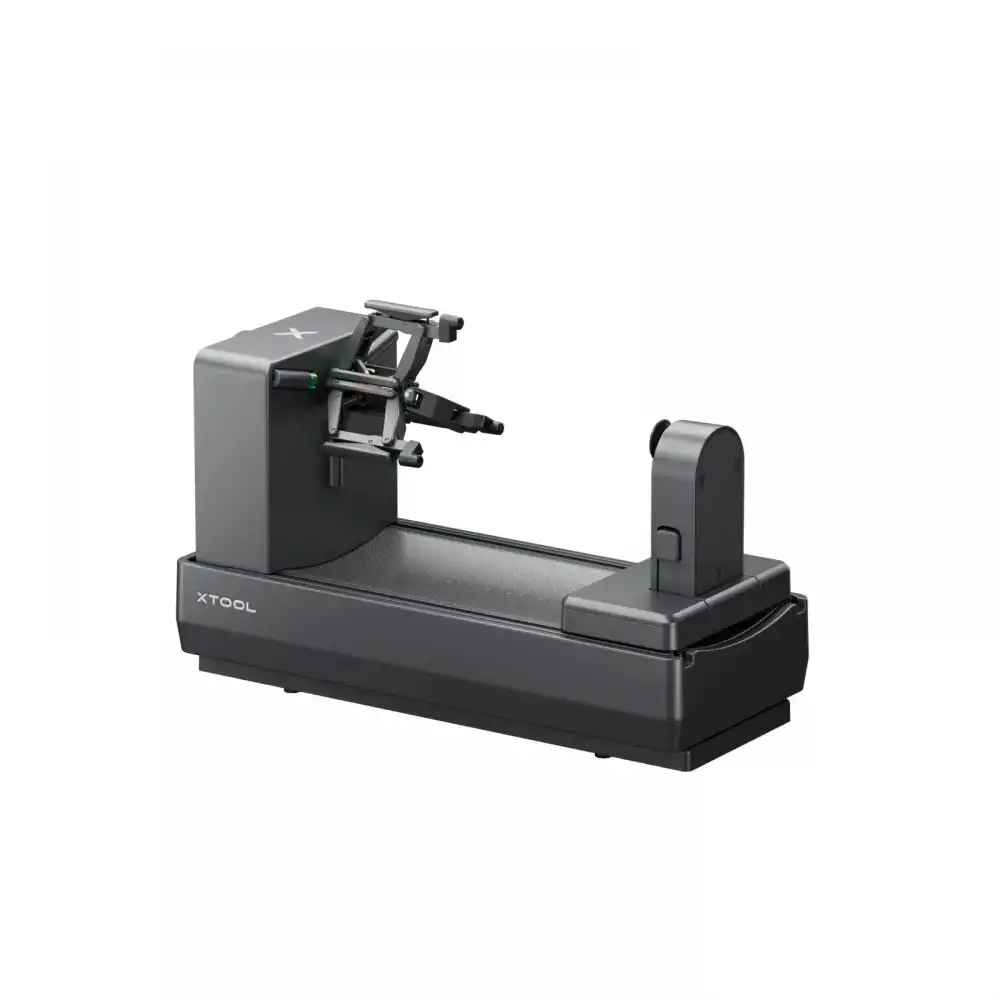
xTool OR1 Rotary Attachment for O1 Omni Printer

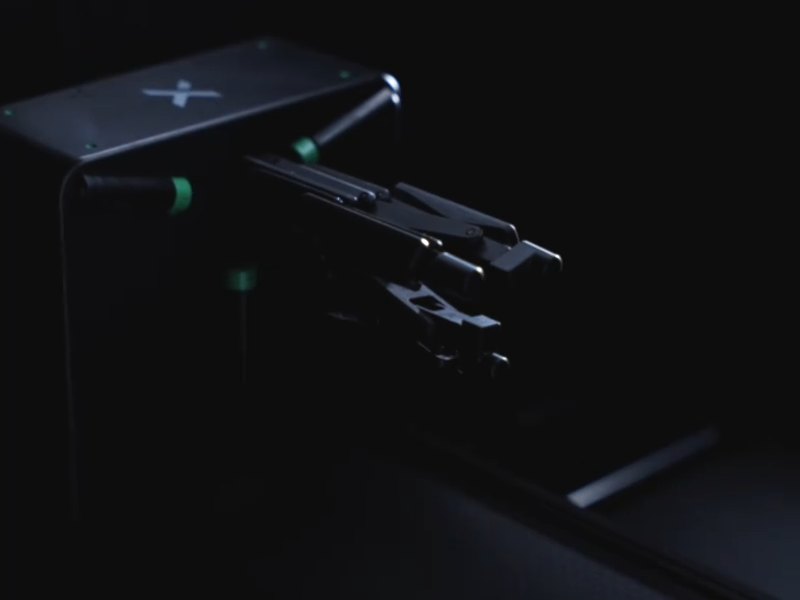
  • More Curved Shapes Supported: Print on popular cup styles, cans, ornaments, small spheres, and more.
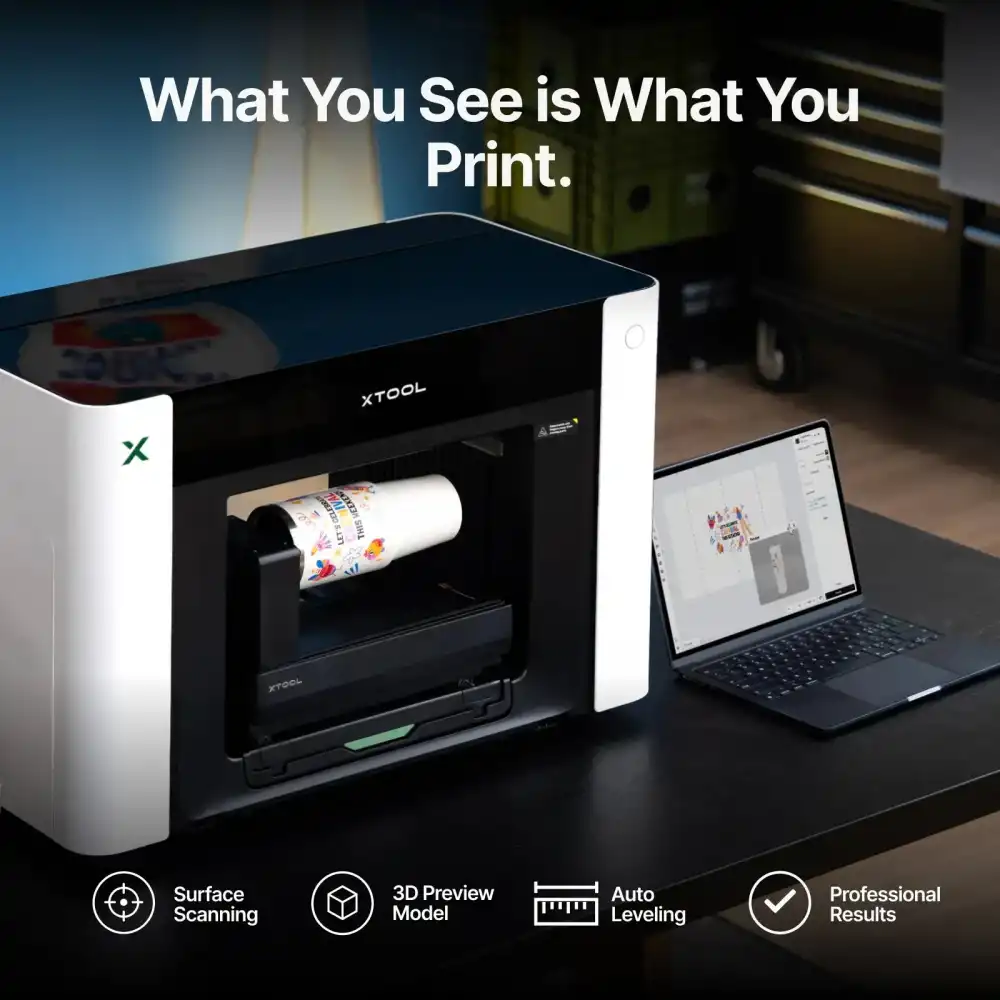
  • What You See Is What You Print: Pixel-Scan™ and CIS Imaging build a 1:1 preview for accurate placement.
  • Seamless Full-Wrap Printing: Angle-controlled 360° rotation delivers precise full-wrap prints without manual measuring.
  • Smart Setup Assistance: Detect handles, mark no-print areas, and auto-level uneven cup shapes.
  • Premium Effects: Add texture, embossing, and fluorescent effects to make curved products stand out.
RM 1,699.00
Sold out!

    NOW
    MSRP
    NOW
     
    NOW
    MSRP
    NOW
     
    3CM Product Demo
    Book a 3CM product demo via WhatsApp
    xTool OR1 Rotary Attachment for O1 Omni Printer

    xTool OR1 Rotary Attachment for O1 Omni Printer

    Unlock More Curves with Easy Direct UV Printing
    xTool OR1 Rotary Attachment for O1 Omni Printer

    Print Your Ideas on Everyday Cups & More.

    With two flexible setups, OR1 supports direct UV printing on most popular cup shapes, cans, spheres, and other curved objects.

    xTool OR1 Rotary Attachment for O1 Omni Printer

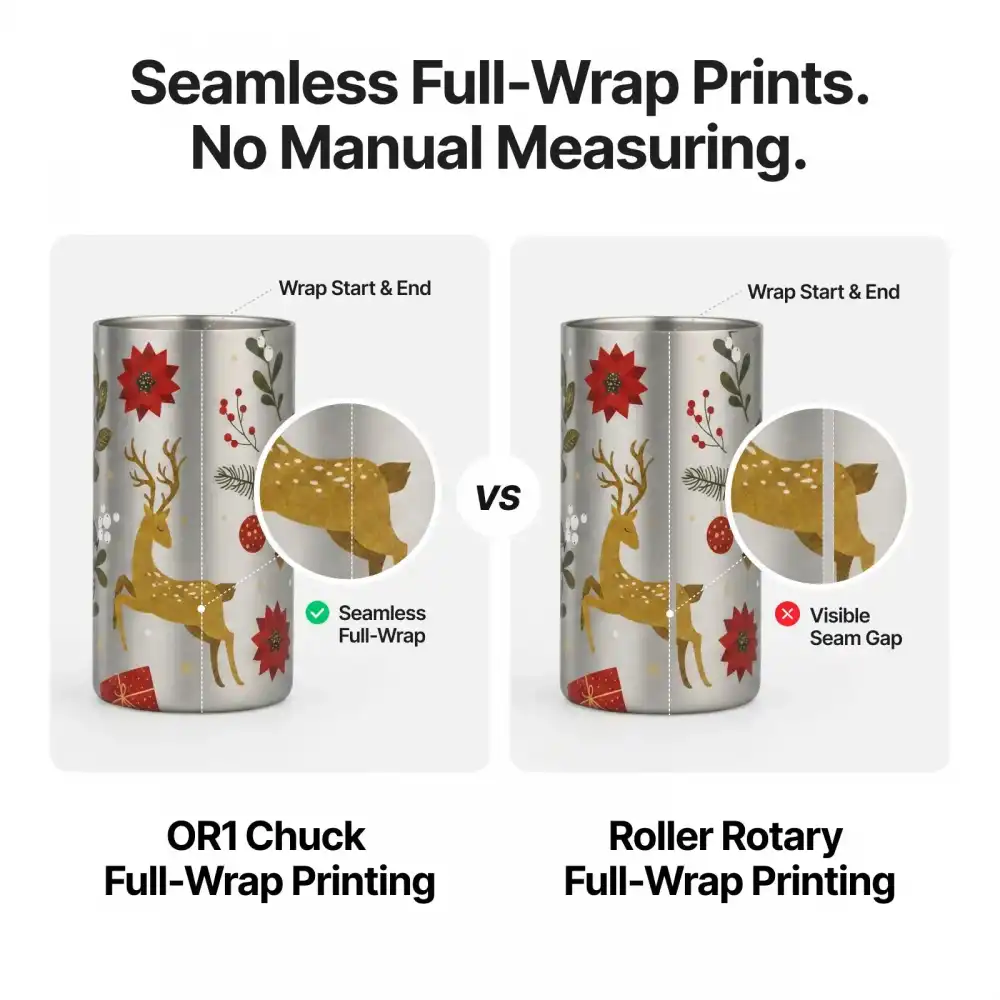
    Seamless Full-Wrap Prints. No Manual Measuring.

    With jaw chuck holding and angle-controlled 360° rotation, OR1 delivers precise full-wrap printing—no complex manual measuring, just seamless results that fit perfectly.
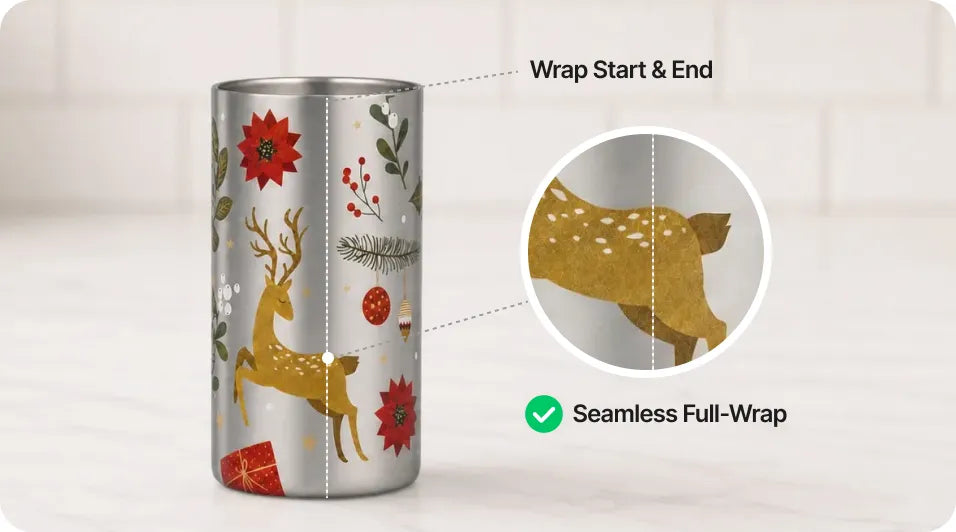
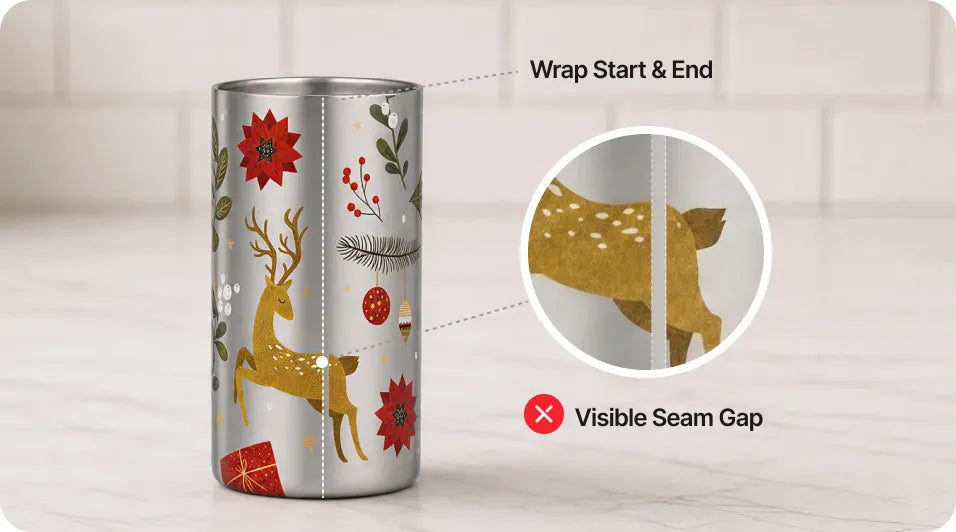
    xTool OR1 Rotary Attachment for O1 Omni Printer
    OR1 Chuck Full-Wrap Printing
    No Manual Measuring|360° Rotation|Seamless Full-Wrap Result
    xTool OR1 Rotary Attachment for O1 Omni Printer
    Other Roller Rotary Full-Wrap Printing
    Manual Measuring Required|Visible Seam Errors|Gap & Overlap Risk
    xTool OR1 Rotary Attachment for O1 Omni Printer
    OR1 Chuck Full-Wrap Printing
    No Manual Measuring|360° Rotation|Seamless Full-Wrap Result
    xTool OR1 Rotary Attachment for O1 Omni Printer
    Other Roller Rotary Full-Wrap Printing
    Manual Measuring Required|Visible Seam Errors|Gap & Overlap Risk
    World First Pixel-Scan™ Vision System

    What You See is What You Print.

    Pixel-Scan™ helps OR1 capture the object shape and surface details, detect handles, and auto-level the workpiece. Just place your design in 3D and start printing, then you watch it come to life.
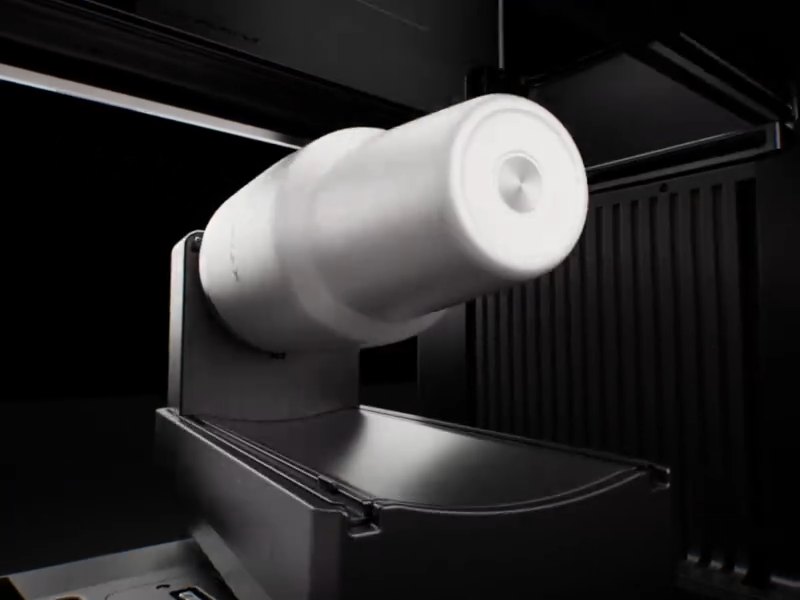
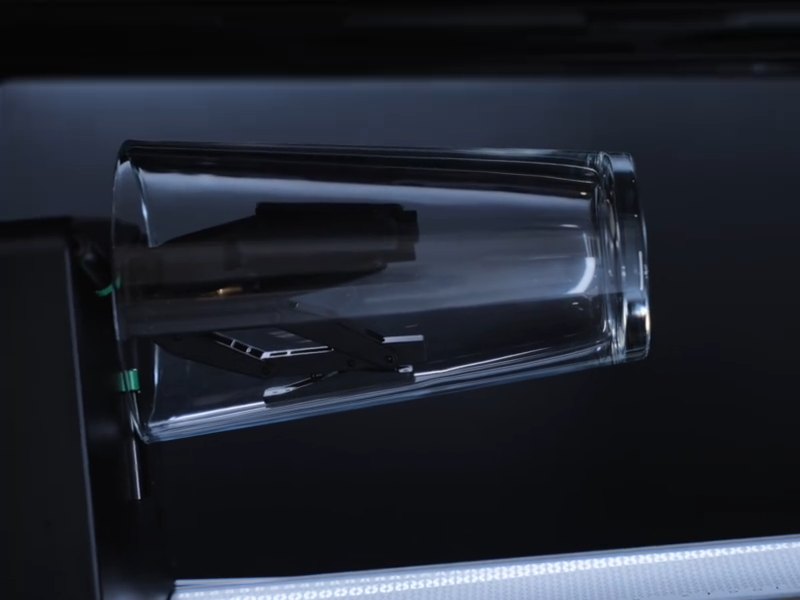
    Print More Curved Shapes with Auto-Leveling
    OR1 automatically levels upward and downward across a -8° to 12° taper range, aligning steeper tapers and curved profiles into a stable printing plane.
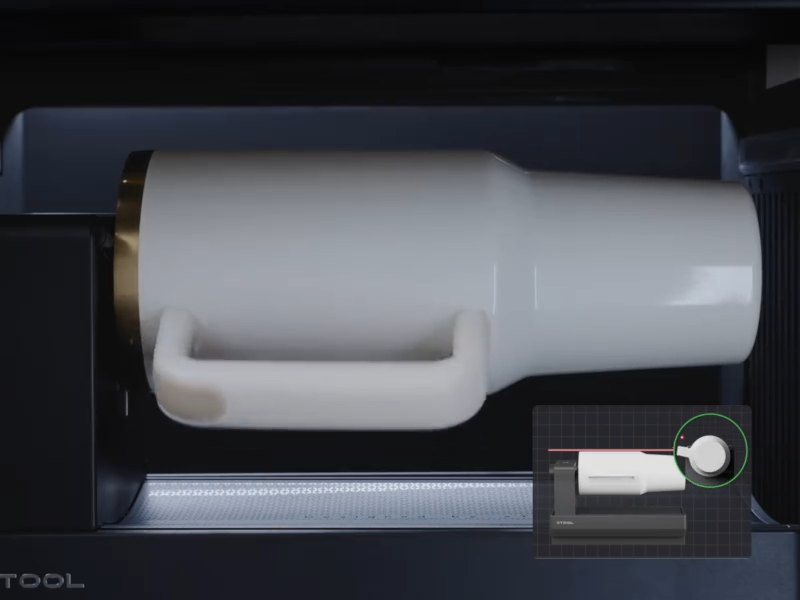
    Smart Handle Detection for Safer Prints
    OR1 identifies handles, measures their height, and marks no-print areas to help prevent printhead collisions before printing starts.

    From Setup to Rotation. Built for Stability.

    OR1’s detail-driven design creates stable connections, secure object holding, and smoother rotation for consistent print results.
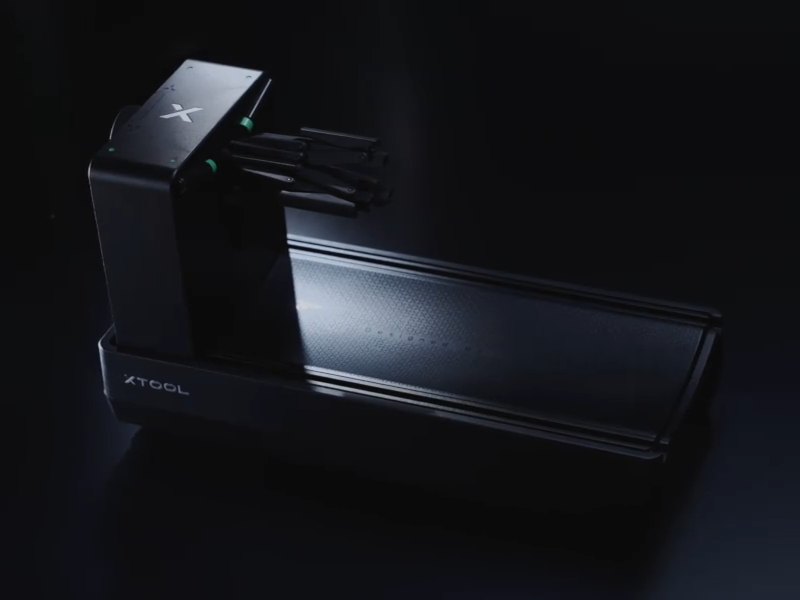
    Fast and Secure Connection

    Set OR1 onto the printer base, and the magnetic connection locks it firmly in place for stable operation.

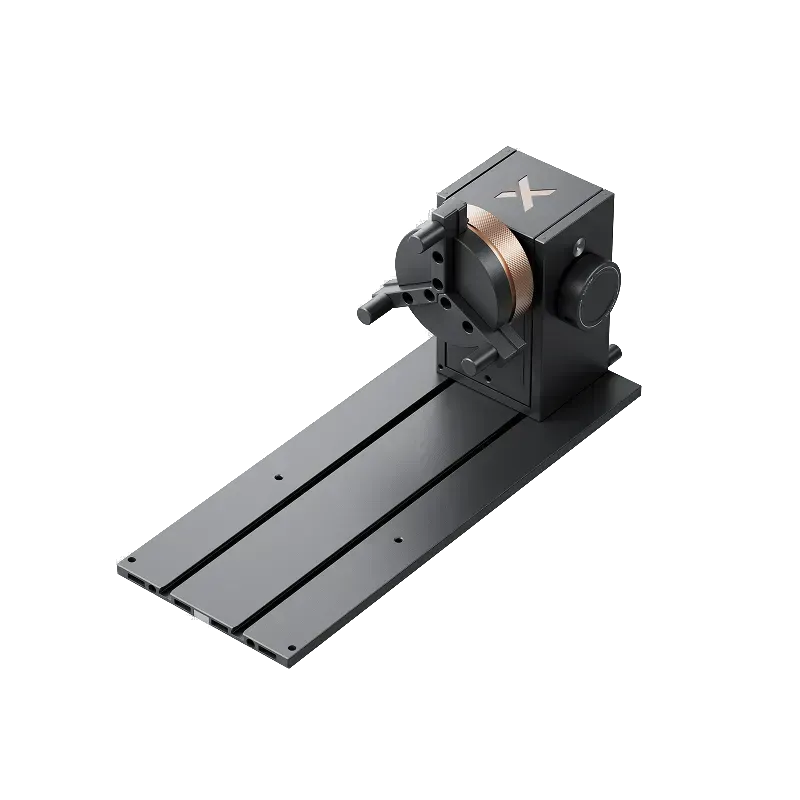
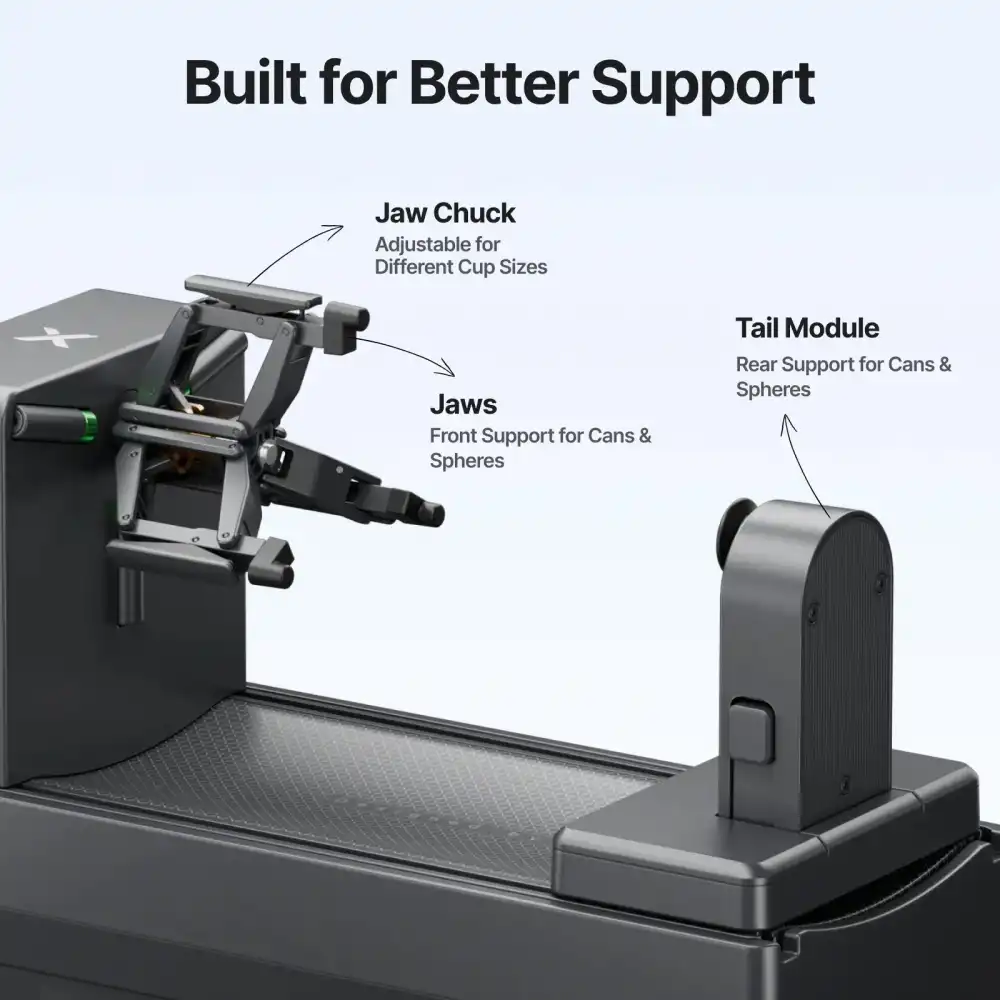
    Adjustable Jaw Chuck

    Fits cup openings with an inner diameter of 1.83–3.94", securing the inner wall for steady printing.

    Support for Cans & Spheres

    The jaws and tail module support both ends steadily for smoother, more consistent rotation.
    Fast and Secure Connection Adjustable Jaw Chuck Support for Cans & Spheres
    Set OR1 onto the printer base, and the magnetic connection locks it firmly in place for stable operation.
    Fits cup openings with an inner diameter of 1.83–3.94", securing the inner wall for steady printing.
    The jaws and tail module support both ends steadily for smoother, more consistent rotation.

    Make Your Curved Print Stand Out

    With OR1, O1’s advanced print effects extend beyond flat surfaces—adding texture, raised relief, and fluorescent effects to your cups and other curved objects.


    xTool OR1 Rotary Attachment for O1 Omni Printer
    Up to 0.2" Texture
    Rich, multi-layer texture you can see and feel.
    xTool OR1 Rotary Attachment for O1 Omni Printer
    0.2" Raised Relief
    Create premium raised details for names, logos, and artwork.
    xTool OR1 Rotary Attachment for O1 Omni Printer
    Fluorescent Effects
    Glow-in-the-dark and neon effects that pop.
    xTool OR1 Rotary Attachment for O1 Omni Printer
    Up to 0.2" Texture
    Rich, multi-layer texture you can see and feel.
    xTool OR1 Rotary Attachment for O1 Omni Printer
    0.2" Raised Relief
    Create premium raised details for names, logos, and artwork.
    xTool OR1 Rotary Attachment for O1 Omni Printer
    Fluorescent Effects
    Glow-in-the-dark and neon effects that pop.

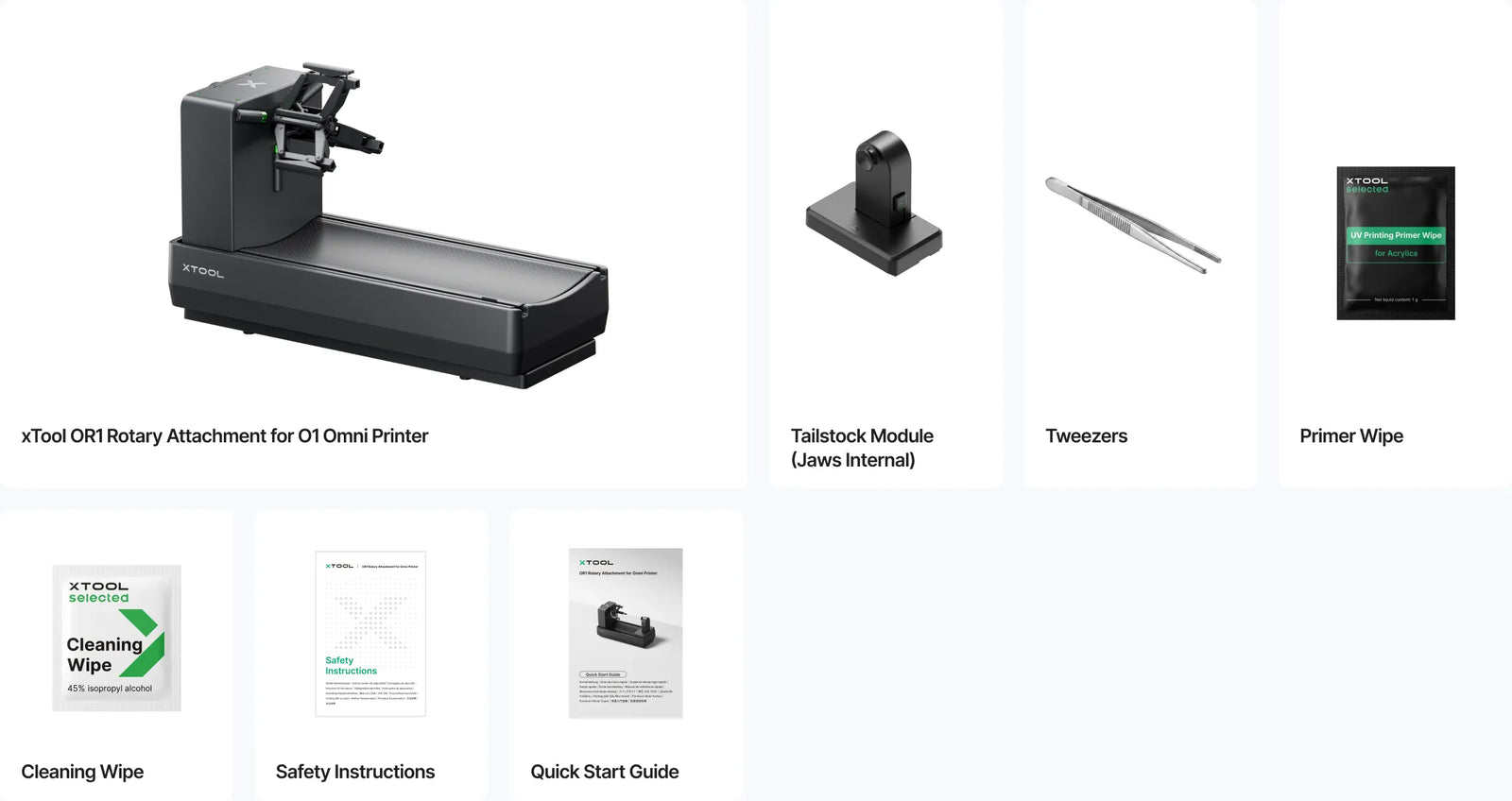
    List of Items

    xTool OR1 Rotary Attachment for O1 Omni Printer

    Specifications

    FAQ

    The OR1 is engineered for securely clampable, rotatable workpieces, including open-top containers, mugs, tumblers, straight cylindrical cups, tapered vessels, beverage cans, spherical ornaments, candle jars, open glassware, select irregular drinkware, etc.

    Objects that cannot be securely held or rotated stably are not recommended, such as rolling pins, solid candles, complex multi-handle cups, or objects whose rim, base, or connection structure is higher than the intended print area.

    No. UV ink should not come into direct contact with lips, drinks, or food. Do not print on rims, inner walls, or any food-contact areas. Print only on exterior, non-contact surfaces.

    Yes. OR1 supports precise full-wrap printing on compatible curved objects.

    Unlike roller-based setups that require manual measuring and circumference calculation, OR1 secures the object with a jaw chuck and uses angle-controlled 360° rotation to print around the object directly. This helps reduce gaps, overlaps, and seam misalignment, so you can achieve a seamless full-wrap result with less setup effort.

    For best results, make sure the object is within OR1’s supported size, weight, and shape range, and use the 3D preview to check placement before printing.

    Yes. Before printing, check whether the inside or outside of the object has oil stains. If the inside is oily, clean it with a cleaning solution and dry it. If the outside is oily, wipe it with the included cleaning wipe to reduce dust and oil that may affect ink adhesion.

    For glass or ceramic objects, wipe the surface with the included cleaning wipe to remove dust and oil. After the surface dries naturally, use tweezers to hold the primer wipe and apply it to the print area to improve ink adhesion. Avoid direct contact with the primer to prevent skin irritation.

    For stainless steel objects, use a dedicated primer wipe to improve ink adhesion. The compatible primer product can be purchased through official channels.

    Verify three key criteria to confirm compatibility with the OR1: the workpiece can be firmly clamped, spin smoothly without wobble, and feature an accessible target print zone that avoids rims, inner linings, handle joints and all food-contact surfaces.

    No, it is not compatible. The OR1 is exclusively customized for xTool O1 Omni Printer and optimized for printing workflows.

    For cylindrical or tapered cups, the printable area should stay within 0.04″ of height difference.

    For irregular shapes like spheres, the printable area can support up to 0.12″ of height difference.
    Trusted Laser Engraving Services &
    Machines in Malaysia

    From choosing the right laser engraving machine to delivering customised engraving services, we support you every step of the way.

    Enquire Now