Frequently Asked Questions
Find quick answers to common questions about 3CM's laser engraving machines, 3D printers, ordering process, warranty, delivery, installation and after-sales technical support. If you can't find the information you're looking for, our team is always ready to assist you.
Do I need a computer, or can I run it from my phone?
Most modern machines (M1,M4,xTool,beamo) support both a desktop app and a mobile app. Basic jobs (resizing, positioning, simple text) can often be done from a phone; more advanced vector editing is easier on desktop software.
What's the difference between a diode laser, a CO2 laser, a fiber laser, and a UV laser?
Diode lasers are compact and affordable, and work well on wood, leather, paper, and dark or coated materials. CO2 lasers use a gas-filled tube, offer higher power, and are the standard choice for cutting acrylic, wood, and other thicker organic materials. Fiber lasers use an infrared wavelength suited to marking bare and anodized metals but generally can't cut or engrave organic materials well. UV lasers use a shorter wavelength that works on an especially wide range of materials, including some plastics and glass, with minimal heat damage.
How much power (wattage) do I need?
Lower-wattage machines (5–10W diode) are fine for engraving and light cutting on thin materials. Mid-range machines (20W) cut thicker wood and acrylic more easily and engrave faster. Higher wattage generally means faster processing and thicker cutting capability, not necessarily "better" engraving detail — that depends more on the laser's spot size and the software's control resolution.
Can one machine engrave both metal and wood?
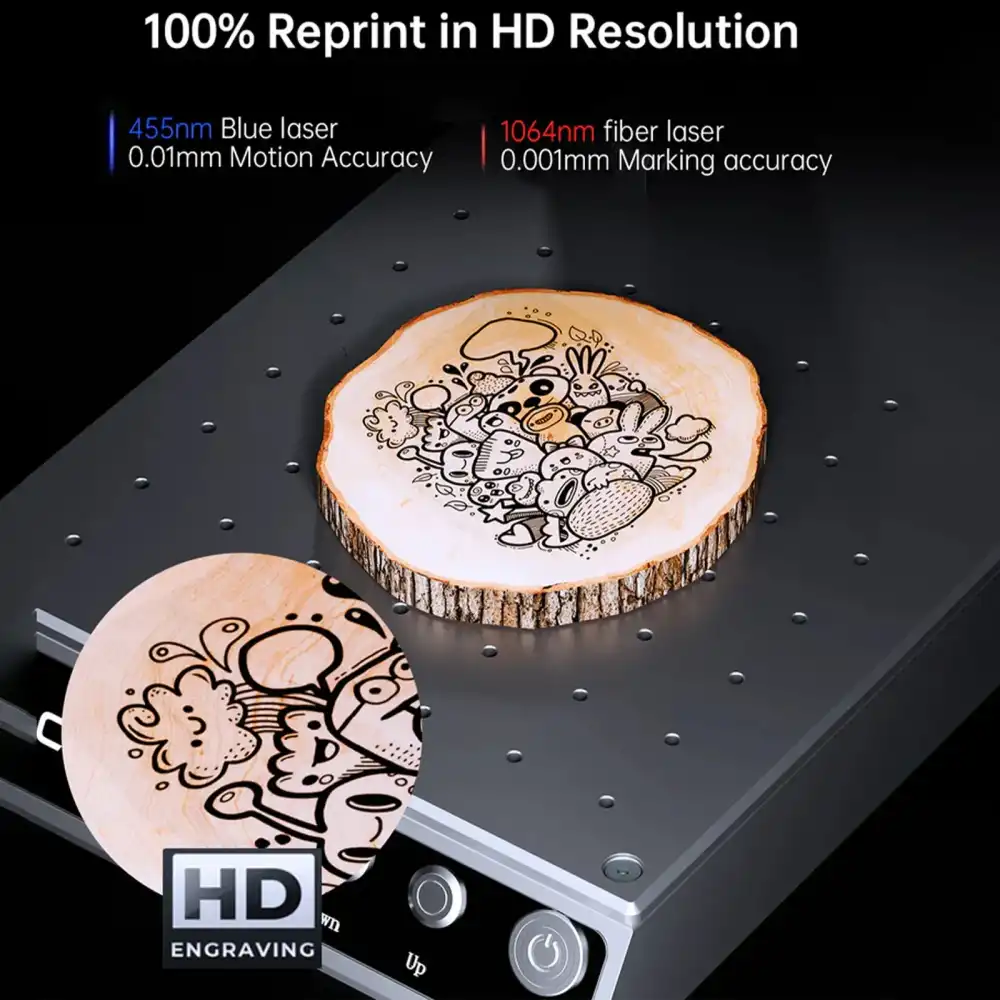
Only if it has (or supports swapping to) the right laser source for each. A standard diode or CO2 laser will mark coated/anodized metal but generally can't mark bare metal well. Engraving bare metal, stainless steel, or precious metals typically requires a fiber or UV laser module.
What file types are supported?
Most software accepts common vector formats (SVG, DXF) and raster/image formats (PNG, JPG, BMP). Some also support direct import of PDF files or work with pass-through plugins for tools like Adobe Illustrator or Inkscape.
Do I need proper ventilation?
Yes. Cutting and engraving produce smoke, fumes, and fine particulates. Use an external exhaust fan/duct to the outdoors, or a filtration/purifier unit rated for laser fumes, especially in enclosed rooms.
Do you provide local warranty and service?
All our machines come with a 1-year warranty. For CO2 laser machines, the laser tube is covered for 3 months and the machine body for 1 year. All Mr Carve machines carry extended coverage of up to 2 years.
What's covered under warranty?
Warranty terms vary by brand, but most cover manufacturing defects in the laser module, control board, and motion system for a set period (commonly 1 year), excluding consumables like protective film, lenses damaged by misuse, or normal wear.
Can I test the machine on my own material before buying?
Yes, you can. If you are located near KL, you are welcome to visit our showroom and test the machine with your own materials. For customers from outstation areas, you may send us your material or product for testing. Our team will provide a free consultation and recommend the most suitable laser solution based on your needs.