Shopping Cart
No item in your cart!
RM0.00
View Cart
18 November 2021
 Buying Guide
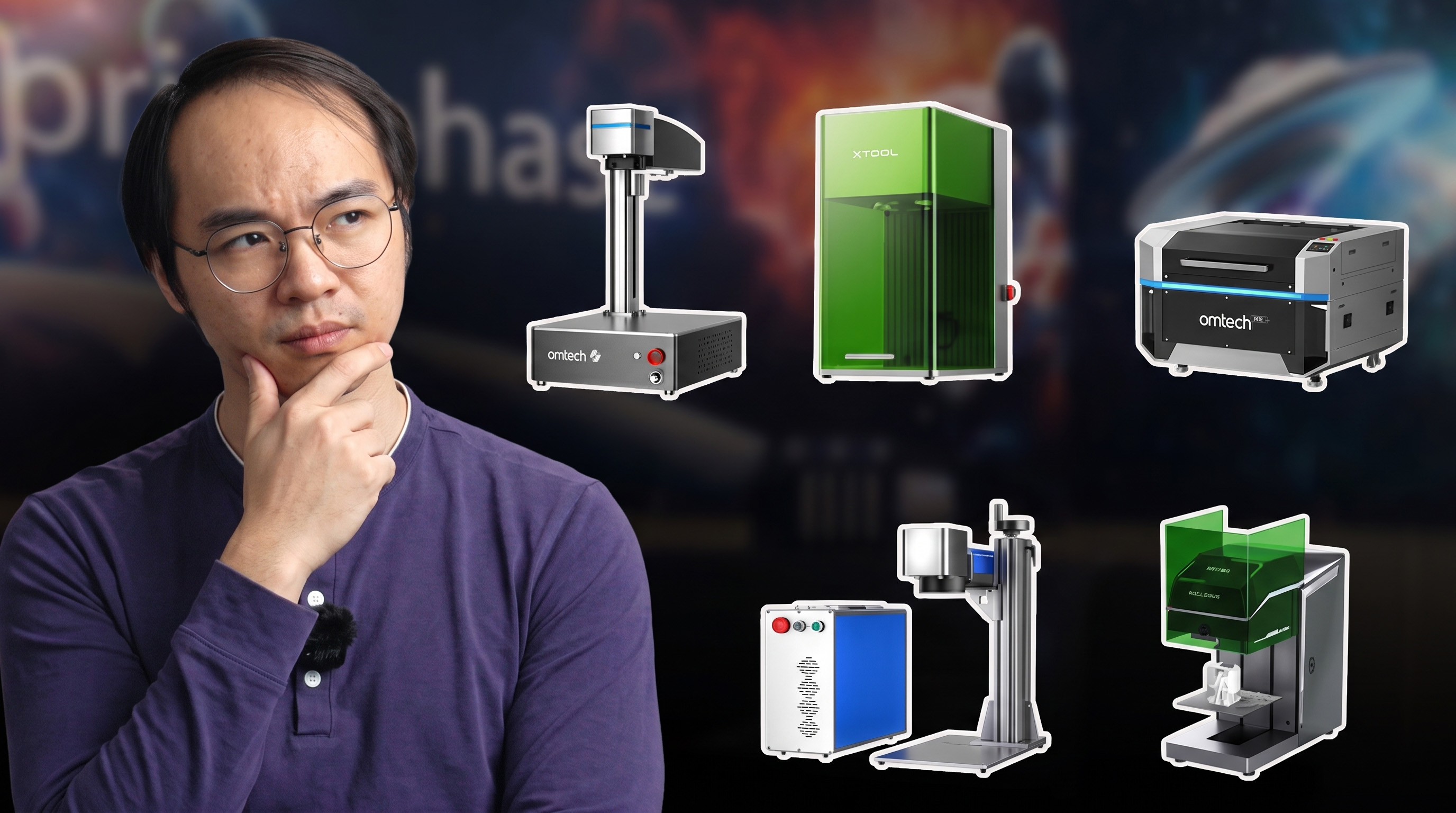
Four laser types, four very different jobs. Here's how to pick the right one instead of the most expensive one.
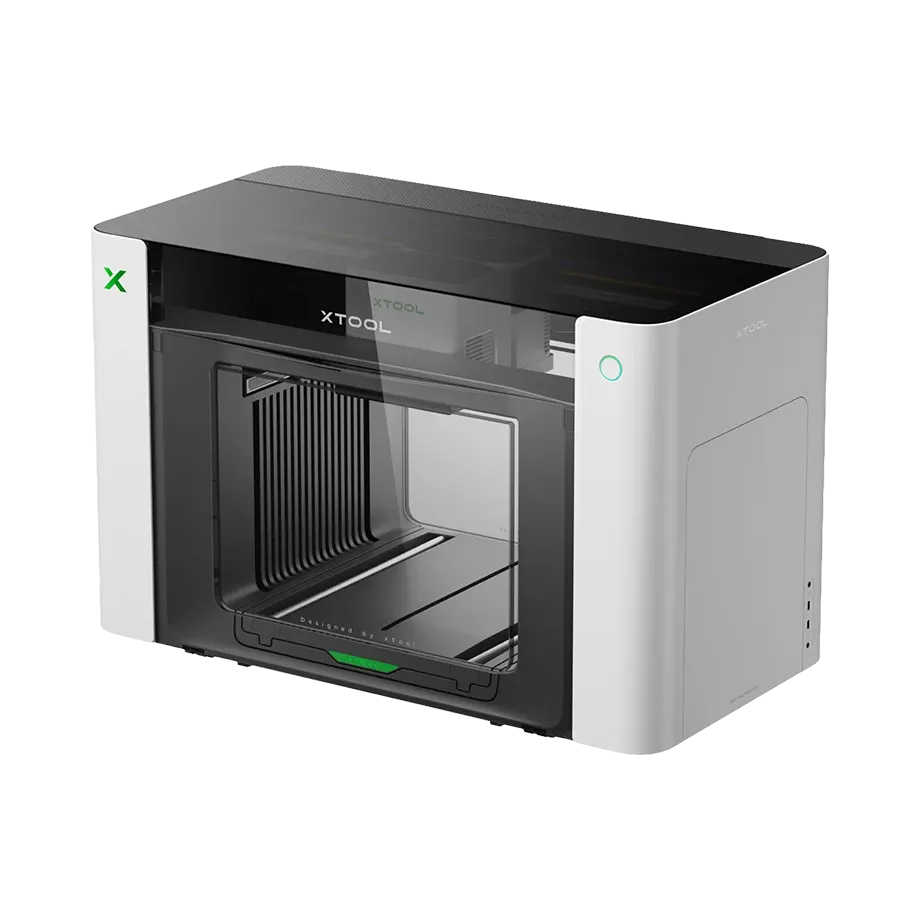
Walk into any conversation about laser engravers and you'll hear four words thrown around like they're interchangeable: diode, CO2, fiber, UV. They're not. Each one uses a completely different way of producing light, which means each is genuinely good at some materials and genuinely bad at others. Picking the wrong type isn't a minor inconvenience — it's the difference between a machine that does exactly what you need and one that sits in the corner because it can't touch half your material stack.
Here's the plain-language breakdown of what each laser actually is, what it's built for, and — most importantly — which one fits the project you actually have in mind.
At a glance
| Laser type | Wavelength | Best at | Struggles with |
|---|---|---|---|
| Diode | ~445nm (blue) | Wood, leather, dark acrylic, paper | Bare metal, clear/light acrylic, glass |
| CO2 | 10,600nm (far infrared) | Wood, acrylic, leather, deep cutting | Bare and reflective metals |
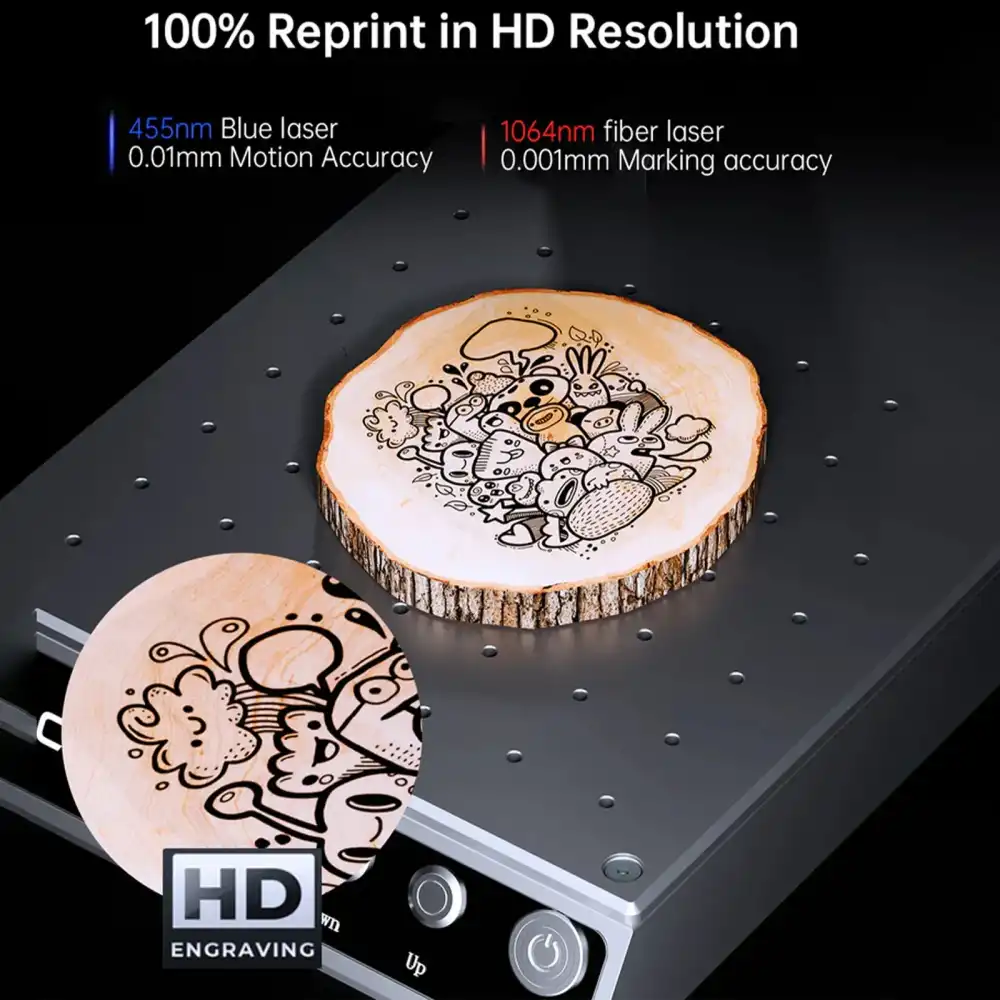
| Fiber | 1,064nm (near infrared) | Bare metal, stainless steel, jewelry marking | Wood, leather, most organics |
| UV | 355nm (ultraviolet) | Glass, ceramics, heat-sensitive plastics | Thick cutting, budget-friendliness |
Beyond the numbers, here's how each laser type actually rates across the material categories and jobs makers care about most (5 dots = excellent, 1 dot = poor fit).
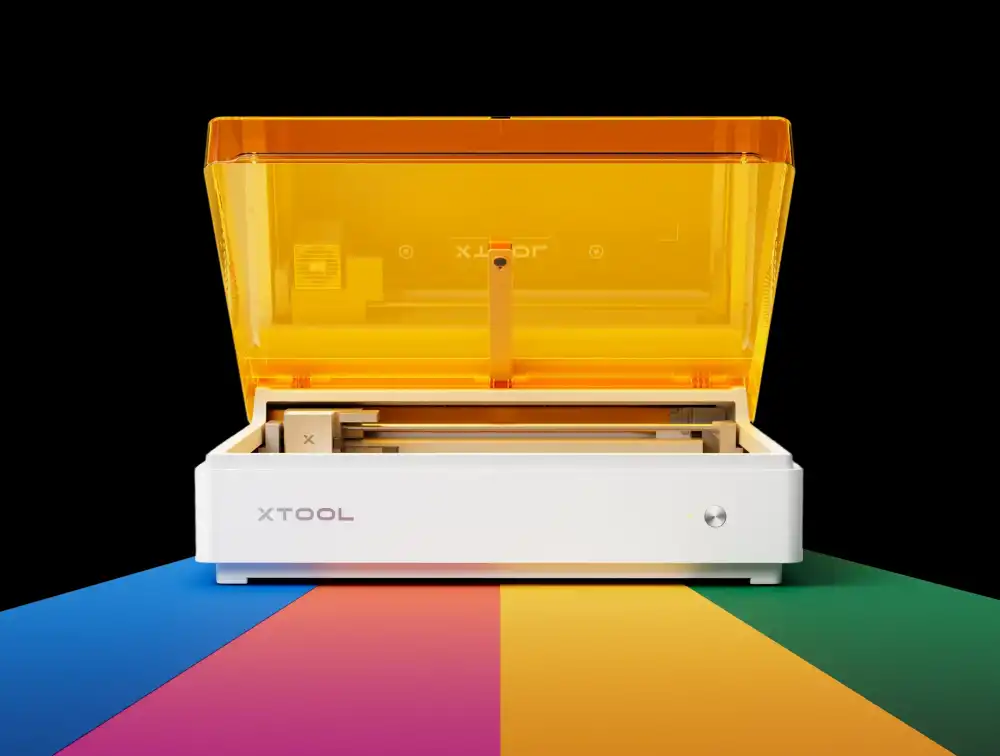
Diode lasers use the same basic technology as a laser pointer, just scaled way up in power. They're compact, affordable, and the most common starting point for hobbyists and small makers.
Works well for
Avoid for
CO2 lasers generate their beam by electrically exciting a gas mixture inside a glass tube. It's older technology than diode or fiber, but it remains the go-to choice for anyone who needs to cut — not just engrave — wood, acrylic, and leather with clean edges.
Works well for
Avoid for
Fiber lasers generate their beam inside a doped fiber-optic cable rather than a gas tube or diode chip. That shorter, more focused wavelength is absorbed efficiently by metal — which is exactly what CO2 and diode lasers struggle with. If metal marking is the job, fiber is generally the only laser type built for it.
Works well for
Avoid for
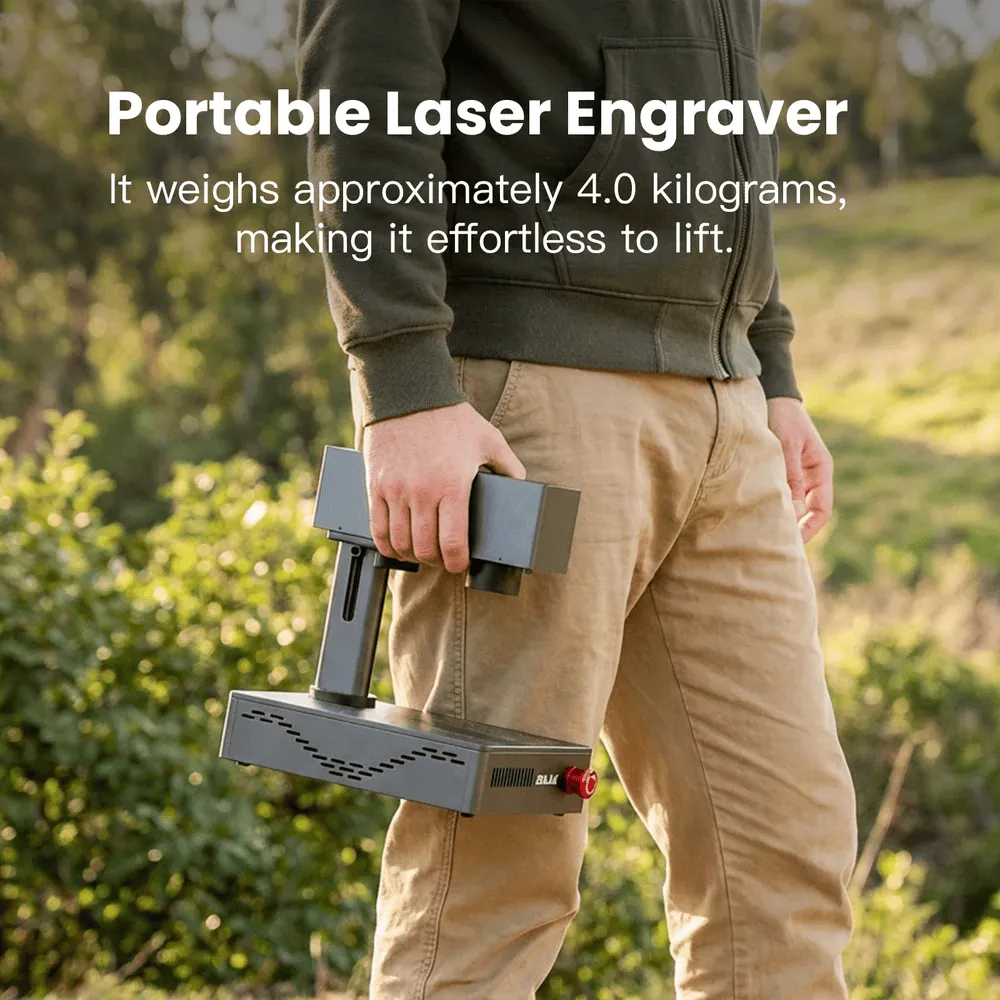
UV lasers use a much shorter wavelength than the other three, which means they remove material through a "cold" photochemical process rather than heat. There's minimal burning, charring, or heat-affected zone — which opens the door to materials the other laser types can't touch cleanly.
Works well for
Avoid for
Rule of thumb: the laser type should match your material, not the other way around. Buying a powerful CO2 machine won't help if your business is built on stainless steel tumblers — you need fiber for that, regardless of wattage.
27 March 2026
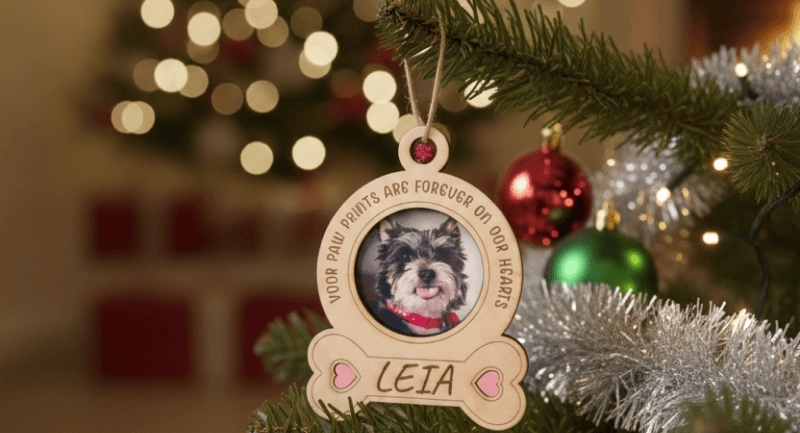
From stacked wood trees to engraved glass baubles and pet memorial keepsakes — ten holiday projects that go well beyond what you'll find at a shopping mall, plus the materials and settings each one actually needs.
Read More
30 September 2011
Lorem ipsum dolor sit amet, consectetur adipiscing elit. Sed nec neque at justo viverra..
Read More
08 October 2001
Most materials questions aren't about getting a clean result — they're about not filling your workshop with toxic smoke. Here's what's safe, what needs caution, and what should never touch your laser.
Read MoreTrusted Laser Engraving Services &
Machines in Malaysia
From choosing the right laser engraving machine to delivering customised engraving services, we support you every step of the way.
Enquire Now